
The user raises the request
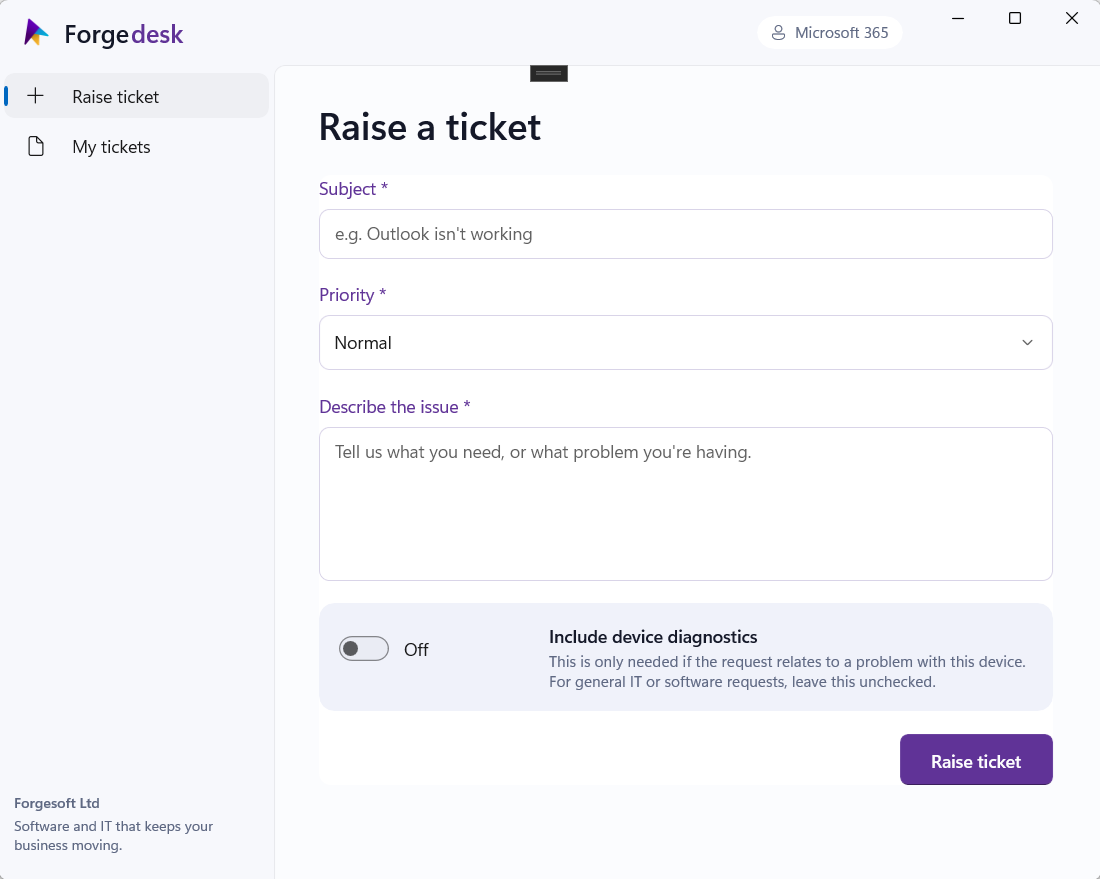
Employees open ForgeDesk and submit what they need help with.

ForgeDesk gives employees one place to raise IT requests, integrates with Microsoft Planner and keeps users informed without your IT team having to repeat the same updates across multiple systems.
ForgeDesk sits between your users and Microsoft Planner, handling the administration so your IT team can focus on the actual support work.
Employees open ForgeDesk and submit what they need help with.
ForgeDesk creates the ticket in your Microsoft Planner board. Your team can send updates directly through planner.
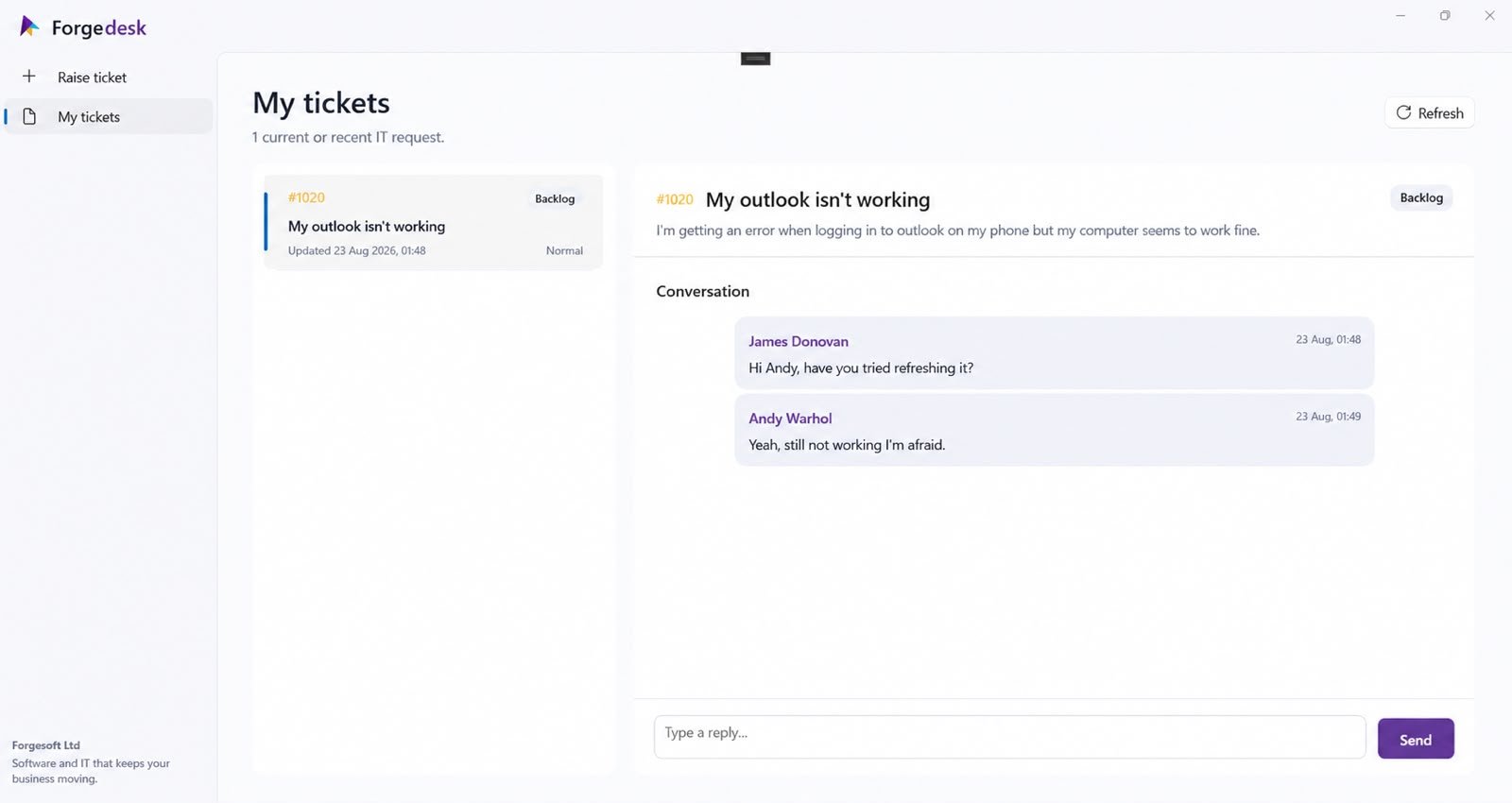
As the tickets move across buckets in planner, users receive automatic notifications and users can communicate directly through ForgeDesk.
ForgeDesk gives employees a simple Windows application for raising and following IT requests without exposing your internal Planner boards.
ForgeDesk handles the repetitive work around a ticket while Planner remains the place where IT actually manage it.
Submitted requests are turned into Planner tasks automatically, removing the need to recreate emailed requests by hand.
When IT moves a ticket through the Planner buckets, ForgeDesk reflects the status change automatically.
Users will be notified when their request is received or its status changes, so IT don't have to manually send routine progress emails.
Users can receive and respond to ticket messages through ForgeDesk, keeping the support conversation connected to the request instead of scattered amongst inboxes.
ForgeDesk notification emails follow a predictable pattern, allowing your IT mailbox to use standard rules to surface urgent requests immediately without every routine ticket becoming a distraction.
Lower-priority requests can sit safely in Planner ready for the next planning meeting, rather than forcing technicians to react to every new email as soon as it arrives.
ForgeDesk is designed for managed Windows environments, so IT teams can deploy it centrally across the estate instead of installing it machine by machine.
Once deployed, ForgeDesk is available directly from the user's desktop. There is no separate support portal to sign into before they can ask for help.
That makes it much more likely employees will use the proper support route instead of falling back to an email that may never become a tracked ticket.
ForgeDesk keeps the user experience intentionally simple: explain the problem, provide the relevant details and submit the request.
Behind the scenes, ForgeDesk associates the ticket with the correct user, creates the Planner task and begins the notification workflow.
ForgeDesk is currently available as an Early Access product. The core ticket workflow is already in place and we're continuing to develop the product around how real IT teams use it.
Early Access customers get direct onboarding from Forge Soft and a closer opportunity to influence the workflows and features we build next.
If your team currently manages requests across email, Teams, conversations and Microsoft Planner, tell us how your support process works today.
We'll look at how ForgeDesk could fit around your existing workflow and where it could remove manual administration without forcing you to replace the tools your IT team already uses.